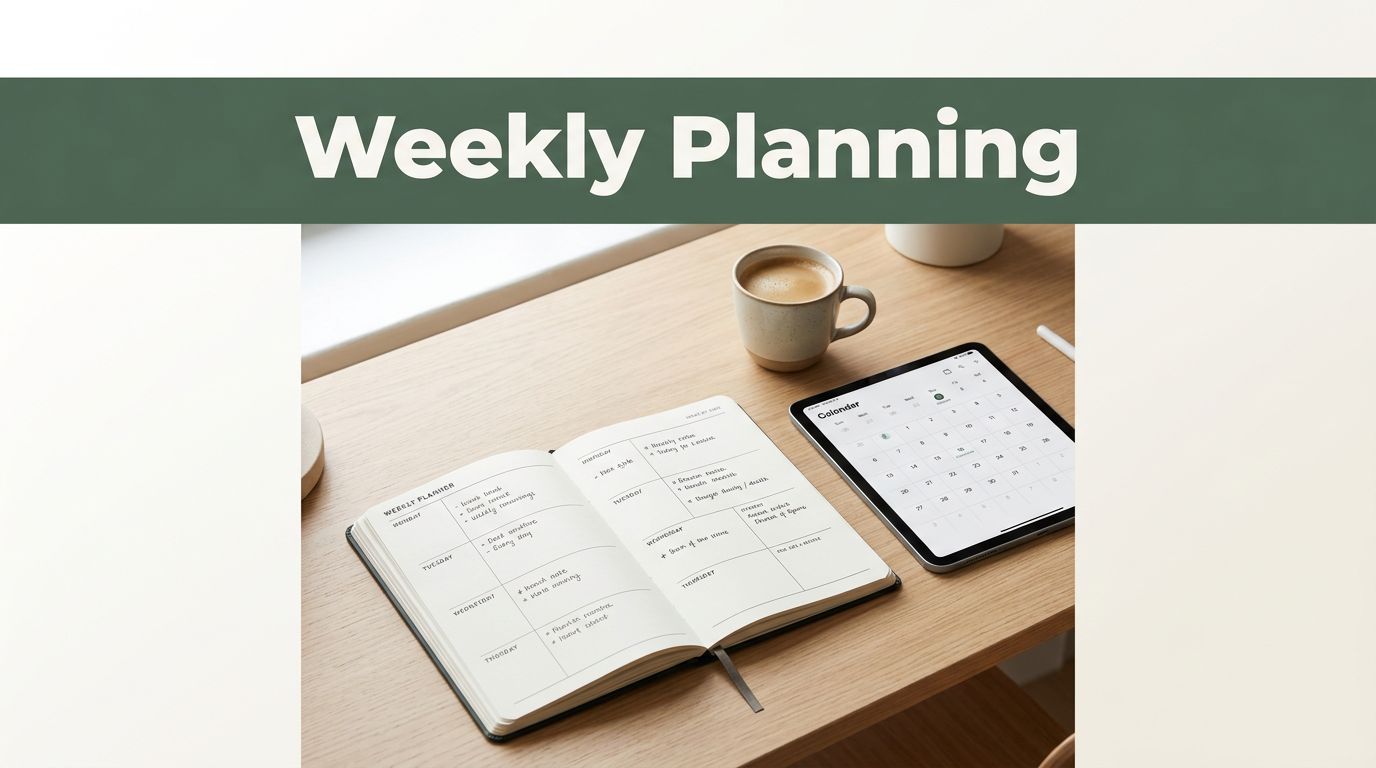
You wake up Monday morning. Emails flood in, meetings stack up, and your to-do list feels endless. Chaos takes over because you lack a clear plan. But what if a simple weekly planning system changed that? It brings calm amid the storm.
In 2026, trends favor flexible digital planners with AI-assisted templates and seamless syncing across devices. Tools like Notability offer ready-made weekly layouts that link notes to calendars. Paper options, such as Bloom planners, add tactile trackers for families. You don’t need complex apps or endless setups. This guide shows you how to build a straightforward system. It draws from proven GTD methods and fits busy lives.
Expect clearer goals, less stress, and real weekly wins. You’ll pick a style that matches you, follow four easy steps, dodge common pitfalls, and build lasting habits. Let’s get your weeks under control.
Pick a Planning Style That Fits Your Life Perfectly
Start with the right style. It prevents frustration later. Busy parents or professionals need views that match their flow. Visual thinkers love overviews. Multitaskers prefer detailed breakdowns. Test one for a week to see what clicks.
Popular options include weekly columns, GTD weekly reviews, areas of focus, and hybrids. Weekly columns give a big-picture glance across seven days. GTD captures tasks then clears them fast. Areas of focus split life by roles, like work or home. Hybrids blend vision boards with spreads for creatives.
Choose based on your needs. Goal-setters thrive on columns. Task jugglers pick GTD. In 2026, digital tools shine with hyperlinked pages and habit trackers. Paper like Bloom daily planners offers family-friendly layouts.

Weekly Columns: See Your Whole Week at a Glance
This style shines for overview fans. Picture seven columns, one per day. Fill each with appointments and top priorities. Goals that span days show clearly. Start Monday or Sunday, depending on your rhythm.
Apps like Notability make it simple. Tap New, pick templates, and customize. Add colors for categories. Busy folks love this because it skips daily deep dives. You spot imbalances fast, like too many evenings packed.
GTD Weekly: Capture and Clear Tasks Effortlessly
Getting Things Done adapts well to weekly pages. Capture every task first. Then review and sort by roles, or “hats” like parent or manager. Clarify next actions. This clears mental clutter.
Free resources help. Check GTD weekly review templates for checklists. Or watch this YouTube guide on GTD reviews. It fits digital or paper. Result? You end weeks with progress, not piles.
Build Your System with These Four Simple Steps
Now build it. Follow this weekly ritual Sunday night or Friday close. First, review monthly goals. Next, map three to five priorities. Then add to-dos from notes or meetings. Finally, reflect at week’s end.
Keep one anchor action daily. Tools range from digital to paper stacks. Start simple. Notability’s 2026 digital planners auto-generate action items from recordings. Paper stacks separate work and life, two to five total.
Build habits in three parts. Do your priority each morning. Reflect at night. Reward weekly wins, like a favorite coffee.
- Review monthly goals. Scan big picture. Pull forward what matters next week. This sets direction.
- Map top priorities. List three to five on your page. Block time if needed. Focus stays sharp.
- Add to-dos. Pull from emails, apps, or voice notes. Use AI in Notability for quick sorts. Hybrid pages blend weekly and daily.
- Reflect weekly. Note wins, stalls, and tweaks. Adjust habits. Celebrate progress.
Step 1: Gather Your Tools and Set the Foundation
Pick easy starters. Open Notability, go New > Templates for weekly views. Download free Notability gallery planners. Paper fans grab Bloom for trackers. Build stacks gradually, like work planner plus inspiration notebook. Customize covers for motivation.
Step 4: Reflect and Tweak for Next Week
Do night checks daily. Tally wins. At week end, review full. What worked? What waits? Set rewards, like a walk. Tweak layouts. Habits stick because you adapt, not force.
Sidestep These Traps to Keep Your Plans Working
Many quit by spring. Overplanning fills every slot. Burnout follows. Solution? Start with one focus per day.
Skip reflection, and lists grow stale. Always end weeks with reviews. Wrong layout frustrates. Test styles early.
Rigid setups fail life changes. Adjust as you go. Blank pages mock you by March? Keep it simple. Pick inspiring tools with prompts.
Common pitfalls include:
- Overloading pages. Fix: Limit to five priorities.
- Ignoring reviews. Fix: Block 15 minutes Sunday.
- Mismatched styles. Fix: Swap after one week.
- No rewards. Fix: Treat small wins big.
Celebrate progress. Your system evolves with you.
Lock In Success with Easy Weekly Habits
Pros swear by anchors. Pick one daily task. It builds clarity fast. Auto-fill from recordings in apps. Note wins in a dedicated spot.
Use prompts for rough weeks, like “What sparked joy?” Stacks work well. Keep tasks separate from inspiration. Match style to life. Hourly grids suit multitaskers. Overviews help visuals.
Add gradually. Start weekly, layer daily later. Creativity planner? Bolt it on month two. Consistency wins. Your weeks transform.
A simple weekly planning system cuts stress and stacks wins. Pick one style today, grab a Notability template or Bloom pad, and map tomorrow.
Start small. Test columns or GTD this week. Share your first win in comments. What tool calls to you?
Your best week starts now.