
You stare at your to-do list Friday afternoon, buried under tasks that never got done. Even with planning, 60% of workers take on more than they can handle each week, and managers finish just 52.6% of planned items. No wonder stress builds up.
Refining your weekly planning changes that. Over time, it cuts overwhelm, boosts achievements, and improves work-life balance. You’ll spend less time on coordination waste, which eats 20 hours a week for 70% of employees, and focus on what matters.
In this post, you’ll get a step-by-step process: audit your current setup, build quick review habits, master proven techniques, and pick the right tools. These simple, actionable steps work for anyone, so start this week. Let’s dive into your first audit.
Audit Your Current Weekly Plan to Uncover Hidden Weak Spots
You need real data to fix your weekly plan. Guesswork leads to the same old problems. Start with a simple self-audit. Track what you actually do each day against your plan. Note your energy highs and lows. List frustrations like unfinished tasks or that nagging burnout. This honest look builds the base for lasting changes.
Grab a free printable weekly timesheet template to make it easy. Or use a basic app like Clockify, which tracks time without extras. Follow these steps to begin small and gain momentum:
- Pick one week. Commit now.
- Log every activity as it happens.
- Mark energy on a scale of 1-10 next to each entry.
- Tally frustrations at day’s end, like “email rabbit hole again.”
This process reveals truths fast. 82% of employees skip structured tracking, so you stand out right away.
Track Every Minute for One Week Without Judgment
Log your time simply. Use your phone’s notes app or a plain notebook. No need for fancy software. Just note start and stop times for each task.
Surprises hit hard. Social media sucks up hours you never planned. Meetings drag on, with 60 interruptions daily stealing focus. Recovery takes 25 minutes each, so small drags add up big. Categorize entries into work, rest, or unexpected. This shows patterns, not hunches.

At week’s end, compare logs to your plan. Did rest time vanish? Unexpected tasks dominate? Data like this refines future weeks. You spot leaks, like untracked quick checks on apps. Then adjust. Start today; one week changes everything.
Pinpoint Patterns That Sabotage Your Progress
Review your logs next. Look for repeats that block you. Overcommitting fills every slot, but life overflows. Poor sequencing hurts too. You tackle hard tasks when energy dips low in afternoons.
Rate each by impact and effort. High impact, low effort wins first. Mismatches jump out, like saving easy wins for last. This step stops monthly repeats.

For example, if meetings cluster mid-week and drain you, shift them. Or notice social media hits after lunch. Block it then. These tweaks prevent sabotage. Your plan gets sharper each month because you act on facts.
Ask Trusted People for Honest Input
Solo audits miss blind spots. Chat with family, colleagues, or an accountability buddy. Keep it quick, five minutes each.
Ask gently: “Have you seen me stressed lately? Which commitments slip?” Or “Do I seem rushed mid-week?” They spot what you ignore, like visible fatigue from poor rest blocks.
External views sharpen your plan. A colleague might flag endless meetings you downplay. Adjust based on their input. This builds better balance over time. Try one chat this week; feedback fuels real growth.
Build a Weekly Review Habit That Fuels Ongoing Tweaks
Set aside 15 to 30 minutes each Sunday for a simple review ritual. Grab coffee, sit in a quiet spot, and score your week on a 1-10 scale for energy and output. This quick habit feels rewarding because it clears your head and spotlights progress. Over months, it turns planning into a sharp skill; you predict better and waste less time.
Start with your audit data from last week. Jot three wins, then note misses without guilt. Finally, pick one tweak for ahead. This loop builds momentum fast. For a ready-made guide, check this GTD weekly review checklist.
Here’s a sample checklist to make it dead simple:
- Score the week: Rate completion (tasks done), energy, and balance out of 10.
- List wins: Note three specifics, big or small.
- Flag misses: Pick two shortfalls and one reason each.
- Answer key questions: See below for prompts.
- Plan one tweak: Choose a small test.
- Preview next week: Block top three priorities.
Weekly reviews cut stress and boost clarity, so you stay on track with goals. They help you drop bad habits and make room for what counts.

Celebrate Wins and Learn from Misses
You finish the week stronger when you spotlight successes first. List three wins right away, even small ones like “nailed that report early” or “took a real lunch break.” This builds positive momentum; your brain craves more of it next time.
Misses happen, but blame kills progress. Instead, ask why. Did unrealistic goals pack too much in? Distractions pull you off track? Note one reason per miss, like “email checks ate two hours” or “afternoon slump hit hard.” Then refine. Cut estimates by 20% if you often overrun. Shift priorities to match real energy.
For example, if family time vanished, block it first next week. This honest look sharpens future plans without regret. You get realistic over time, so achievements stack up.
Ask Power Questions to Sharpen Your Next Plan
Power questions cut through noise each Sunday. Answer five to spot fixes fast. They compound weekly, so planning feels intuitive after a few months.
Here they are:
- What ate my time last week?
- What drained energy most?
- What one change boosts output 20%?
- Which tasks wait too long?
- How does this align with big goals?
Take “What ate my time?” You might find meetings or Slack. Trim them next. Or “What one change?” could mean batch emails. Answer in one sentence each. Track patterns over weeks. Results show up quick: less overwhelm, more wins. Your system adapts because you base it on facts.
Test One Small Change Per Week
Pick one tweak from your review, like moving meetings to mornings. Test it, then check results next Sunday. This keeps things light; you avoid burnout from big overhauls.
Overhauling everything fails because overwhelm hits. Stick to one shift. Did mornings work? Energy stayed high, output rose. Keep it. If not, drop and try another, say batch replies after lunch.
Iterative changes build your perfect system. After 10 weeks, you own a plan that fits your life. No guesswork, just proven tweaks.
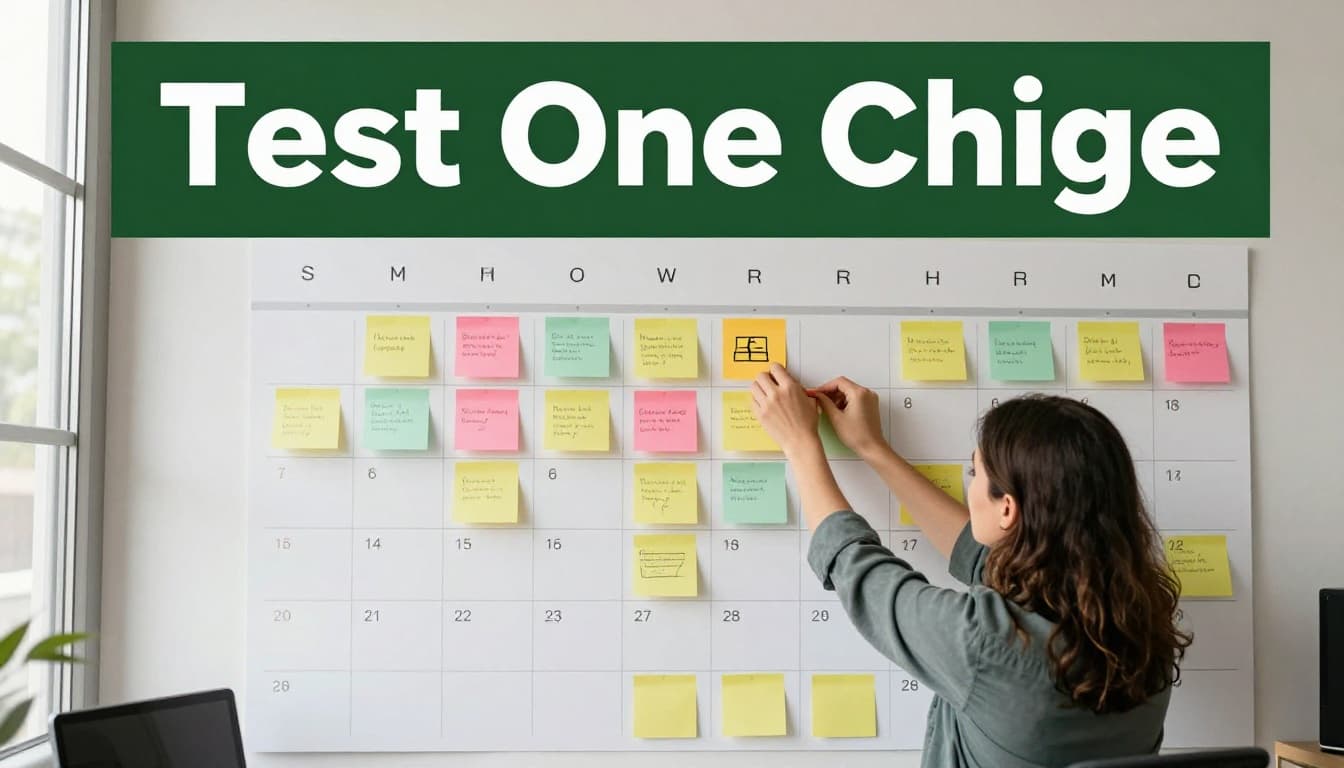
Small tests lead to big gains. You refine weekly planning into a habit that lasts.
Adopt Time-Tested Techniques to Make Planning Stick
Your weekly reviews now show clear patterns, so apply proven methods next. These techniques build on your audit data and Sunday checks. They start simple but deliver big results over time. Pick the 80/20 rule, time blocking, and task batching first because they cut waste fast. Each one adapts as you track wins and misses. Test them one week at a time for smooth gains.
Prioritize with the 80/20 Rule for Maximum Impact
Most results come from few tasks. The Pareto principle, or 80/20 rule, means 20% of your efforts drive 80% of outcomes. Focus there to drop the rest.
Sort your weekly list Sunday night. Ask which tasks push goals forward. Label them must-dos. The others become nice-to-dos, like optional reads or minor tweaks.
Here’s how to apply it:
- List all planned tasks.
- Score each by impact: high if it advances key goals, low otherwise.
- Pick top 20% as must-dos; move rest to a parking lot.
- Block must-dos first in your calendar.
For example, a marketer lists 10 tasks. Client pitches and content outlines rate high because they bring revenue. Social posts and admin drop low. She finishes strong that week.
Track over four weeks. Note which must-dos deliver. Refine the split based on real output. You see what truly matters in your life. For more on this, read Asana’s guide to the 80/20 rule for prioritization.

This method frees time fast. Meanwhile, your plan sharpens because you chase impact, not busyness.
Use Time Blocking to Protect Your Best Hours
Decisions drain you daily. Time blocking ends that by scheduling tasks in set blocks. Match them to your energy peaks from audit logs.
Start with 2-hour blocks. Color-code them: blue for deep work mornings, green for routine afternoons. Leave buffers for surprises.
Follow these steps each Sunday:
- Review energy logs to spot peaks, like 9-11 a.m.
- Assign top must-dos to peak blocks.
- Color blocks in your calendar app.
- Adjust next week based on what flowed or dragged.
Take a writer who peaks early. She blocks reports 9-11 a.m. Emails go post-lunch. No more “quick checks” steal focus. Output doubles after two weeks.
Your reviews prove it works. If afternoons slump, shorten blocks there. This gives freedom from constant choices. Check Tomodoro’s time blocking guide for examples that fit weekly plans.
In short, blocks guard your best hours. As a result, you finish more with less stress.
Batch Tasks to Cut Mental Switching Costs
Jumping tasks costs time. Studies show context switching wastes 20-40% of your day. Task batching fixes that by grouping similar work.
Collect emails or calls into one slot. Do them together, then move on.
See this before-and-after:
Chaotic day: Check email (10 min), write report (20 min), reply Slack (5 min), repeat. Total: 6 hours, half lost to switches.
Batched day: Emails 10-10:30 a.m., reports 11 a.m.-1 p.m., calls 3-4 p.m. Total: 4 hours, full focus.
Steps to batch weekly:
- Group tasks by type from your list: admin, creative, meetings.
- Slot batches around energy peaks.
- Time each; track in logs.
- Tweak based on saved time next review.
A salesperson batches calls Tuesday afternoons. No more interruptions mid-pitch. Deals close faster. Track saved minutes over weeks to prove value.
For details, see Asana’s task batching tips. Batching smooths your week. Therefore, progress feels steady and real.
Pick Simple Tools That Grow with Your Refinements
Your audits and reviews reveal patterns. Now match them with basic tools that expand as you tweak your plan. Start simple. Pick one free app like Google Calendar. Layer in features over weeks. This way, tools support your weekly flow without overwhelm. They sync audits into blocks and track progress automatically.
Start with Calendar Apps for Visual Planning
Built-in phone calendars handle time blocking right away. You see your week at a glance. Set reminders that ping for reviews. Google Calendar shines here because it syncs across phone, laptop, and tablet instantly.
Color-code categories for quick scans. Blue for deep work blocks. Green for rest. Red for meetings. This visual map matches your energy logs from audits. Set alarms Sunday evenings to trigger your review ritual. As a result, refinements stick because you spot mismatches fast.

New features help too. Time Insights shows meeting overload or collaboration drains weekly. Focus Time guards blocks from interruptions. Check this step-by-step guide to time blocking in Google Calendar for setup tips. Start with one calendar. Import audit data Sundays. Buffers for surprises keep plans realistic. Over time, syncing pulls everything together for real-life tweaks.
Add Task Managers for Smart Prioritization
Task apps bring drag-and-drop lists next. You reorder priorities easily. Add due dates that roll into your calendar. Todoist works great because its Upcoming view previews the week clearly.
Import audit wins and misses weekly. This auto-refines your list. High-impact tasks rise first. Low ones park aside. Integration flows smooth: link Todoist to Google Calendar. Tasks become blocks automatically.
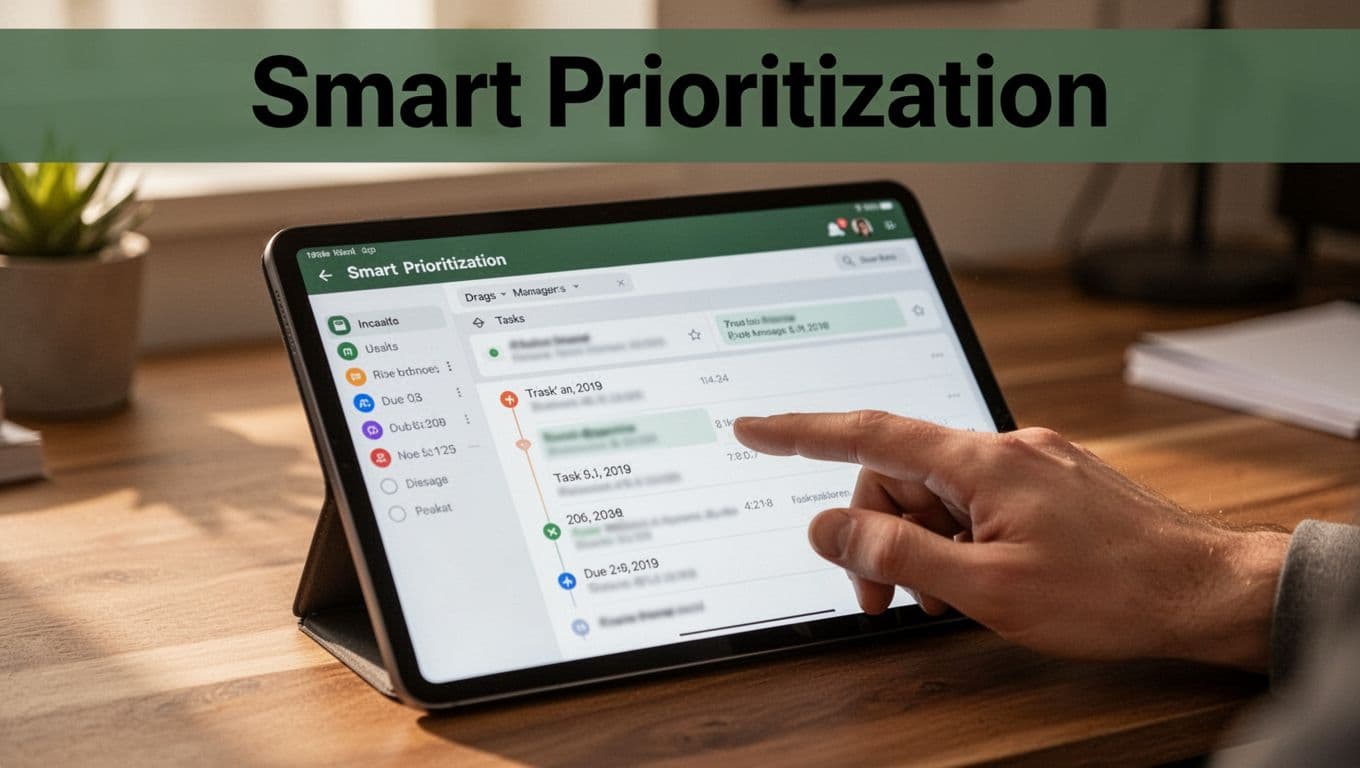
Sarah went from chaos to control this way. Her list overflowed Fridays. She added Todoist, dragged must-dos up, set dates from audits. Weeks later, she finished 80% on time. No more scramble. For weekly planning, see Todoist’s Upcoming view guide. Or try Notion’s weekly to-do templates for custom tracking. Layer one feature monthly. Your tools grow with you, so planning sharpens effortlessly.
Conclusion
You started with an audit to spot weak spots in your weekly plan. Then you built Sunday reviews, added techniques like the 80/20 rule, time blocking, and task batching. Simple tools like Google Calendar and Todoist now support your tweaks.
These steps compound over time. So start one audit this week. You’ll cut overwhelm and boost output fast.
Refined planning frees time for what you love, like family or hobbies. As Tony Robbins says, “It’s not what we do once in a while that shapes our lives. It’s what we do consistently.” Share your first review win in the comments below.