
Your week starts strong. Then emails pile up, meetings drag on, and family needs pull you away. Chaos takes over fast.
Time blocking fixes that. You split your days into focused chunks for specific tasks. This cuts stress and boosts output. Studies show it slashes up to 40% of time lost to task switching. Plus, in 2026, AI tools adapt schedules to your habits on the fly.
This guide walks you through prep work, styles, steps, apps, and pitfalls. You’ll build a plan that sticks.
Map Your Week’s Fixed Spots and Energy Peaks First
Prep saves headaches later. You avoid cramming everything at once. Start by listing commitments that won’t budge. Then track when you work best. Finally, estimate task times.
This foundation keeps blocks realistic. No more overload or burnout.
Pin Down Non-Negotiable Events Across All Days
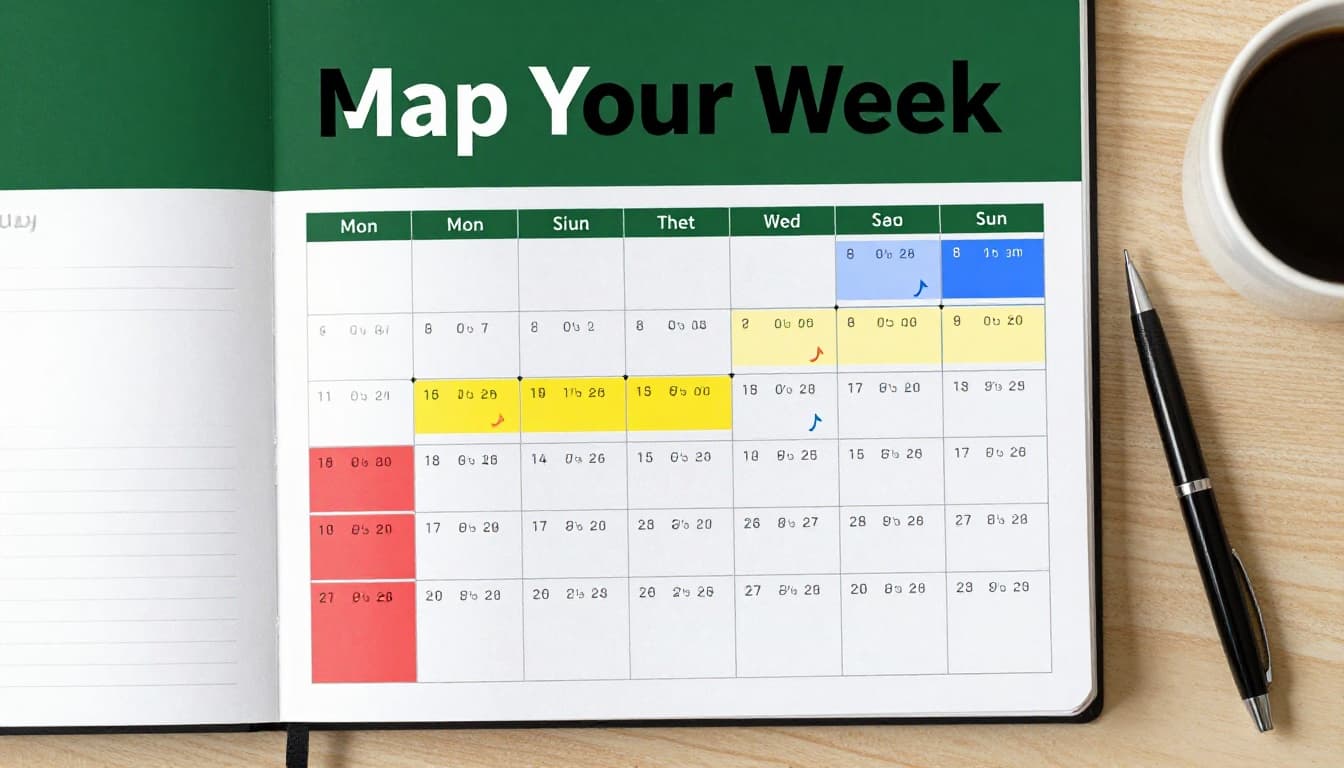
Pull fixed items from your calendar first. Think work hours, kids’ pickup, or gym class. These shape everything else.
Color-code them in your planner. Red for meetings. Green for family time. Do this for the full week.
Group by day next. Heavy meetings might cluster on Tuesdays. Light days open for big tasks. Patterns emerge quick.
You spot gaps early. No surprises derail your flow.
Track Your Natural Energy Flow for Smarter Placement
Log your energy for three days. Rate focus from 1 to 10 each hour. Note what you tackle best.
Most peak from 8 to 11 a.m. Afternoons suit emails or calls. Mornings handle deep work.
AI apps now spot this automatically. They shift blocks to match your rhythm. Test it yourself first, though.
Data guides smarter choices. You place tough jobs when sharp.
Inventory Tasks and Time Estimates Without Guessing Wild
Brainstorm your full load. Work projects, home chores, self-care. All of it.
Assign times from past runs. “Write report: two hours.” Add 20% buffer for hiccups.
Be honest. Short tasks add up fast. This list feeds your blocks.
You see the real picture now.
Choose a Time Blocking Style That Matches Your Busy Life
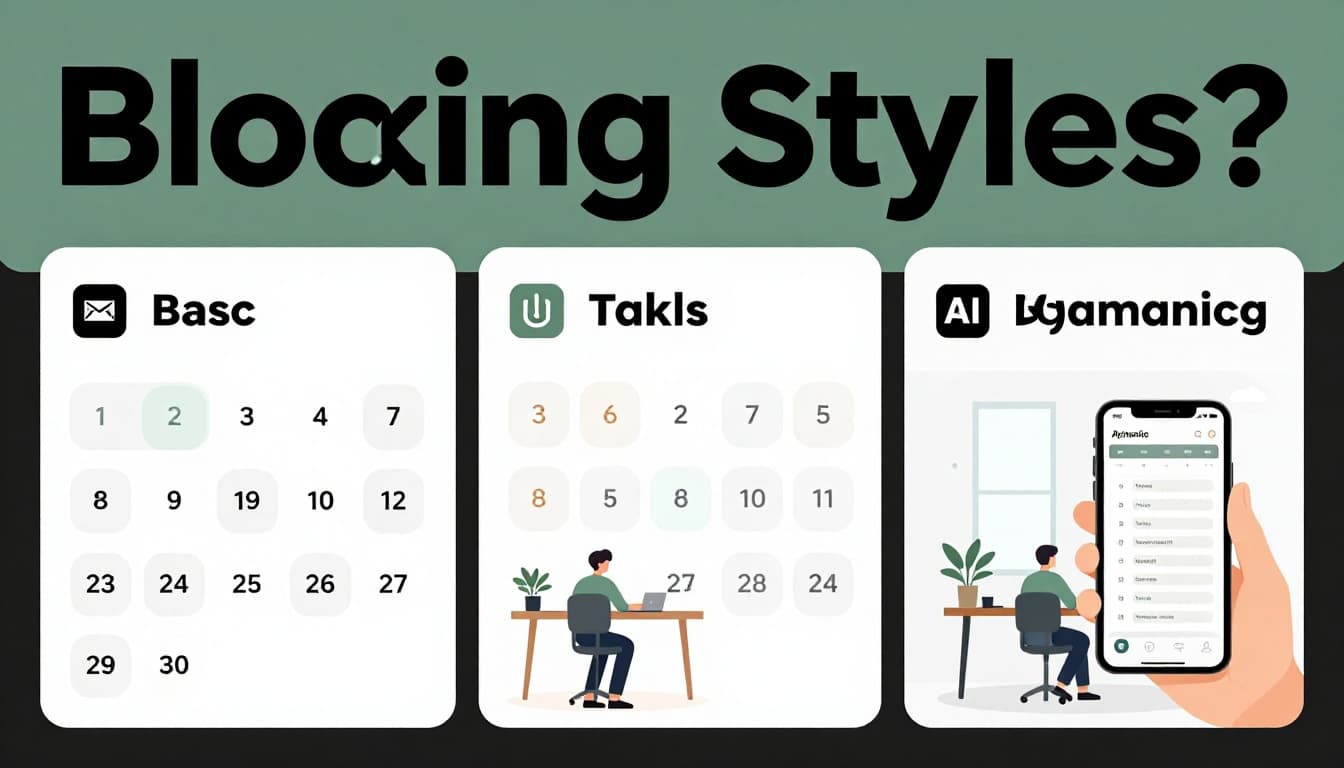
Pick a method that fits. Basic works for routines. Batching groups similar jobs. Dynamic handles changes.
AI adds smarts in 2026. It reschedules on delays. Start simple, then upgrade.
For details on these approaches, check Reclaim’s time blocking guide.
Basic Time Blocking for Steady Daily Wins
Assign fixed slots daily. Emails from 9 to 10 a.m. Reports after lunch.
Ends stay flexible. Life shifts a bit. This builds habits for ongoing work.
You win small each day. Momentum grows.
Task Batching to Crush Similar Jobs Fast
Group like tasks. Calls in one block. Creative work uninterrupted.
Switching costs vanish. Focus sharpens. You finish faster.
Batch admin afternoons. Save mornings for depth.
Dynamic and AI Blocking for Real-World Flexibility
Apps adjust on the go. Delays push blocks forward. Perfect for teams or surprises.
Tools like Motion or Reclaim.ai shine here. They guard focus time.
Flexibility meets structure.
| Method | Key Feature | Best For |
|---|---|---|
| Basic | Fixed daily slots | Routines, solo workers |
| Batching | Group similar tasks | Creatives, admins |
| Dynamic/AI | Auto-adjusts for changes | Teams, variable days |
This table shows quick fits. Beginners love batching.
Step by Step: Craft a Weekly Schedule That Actually Works
Build from your prep. Create daily templates first. Drop tasks into peaks. Add buffers.
Use colors in your calendar. Review Sundays. Scale from one day.
Your week flows smooth now.
Sketch Repeatable Daily Blueprints for Each Weekday
Customize per day. Protect high-energy mornings Monday, Wednesday, Friday.
Tuesdays and Thursdays hold meetings. Weekends recharge or catch up.
Templates repeat. Tweaks stay minor.
Drop Tasks into Slots That Fit Your Peak Times
Match hard work to best hours. Blue for focus. Green for quick wins.
Rotate as needed. Full tasks fit without squeeze.
Energy rules placement.
Build in Buffers and Breaks to Handle Life’s Curveballs
Add 10 to 15-minute gaps. They stop one slip from ruining hours.
Schedule walks or coffee. Breaks recharge you.
Real life stays in check.
Here’s a sample day: 8-10 a.m. deep work, 10-10:15 break, 10:15-12 calls, lunch, 1-3 p.m. admin.
Input to calendar. Colors make it visual.
Apps That Auto-Build and Guard Your Time Blocks in 2026
Apps make blocking easy. They auto-fill and protect time.
Top picks include Motion at $19 monthly for teams. Reclaim.ai offers a free tier to guard focus. Clockwise stays free for optimizations. Sunsama runs $16 to $20 with guided plans.
See Zapier’s roundup of top time blocking apps for more.
| App | Best For | Price | Standout Feature |
|---|---|---|---|
| Motion | Team auto-schedule | $19+/month | Reshuffles on changes |
| Reclaim.ai | Focus protection | Free tier | Habit-based adapts |
| Clockwise | Team calendars | Free | Shared focus hours |
| Sunsama | Daily guidance | $16-20/month | Reflection prompts |
Start free trials. Match to solo or team needs.
Unlock Big Gains While Skipping Traps That Derail Plans
Time blocking delivers. You cut task-switching waste by up to 40%. Stress drops as focus builds. Deep work zones form naturally.
Yet pitfalls lurk. No buffers cause cascades. Overpacking leaves no air. Energy mismatches flop output. Skipped reviews stale plans. Manual beats AI sometimes not.
Fixes keep you steady.
Real Wins from Time Blocking Your Week
Output jumps. Decisions fatigue less. Apps show habit insights.
Teams cut distractions by hours daily. Retention improves 31% with focus time, per Gallup.
You feel control return.
Sneaky Errors and Quick Fixes to Stay on Track
Skip buffers? Add 15 minutes per block.
Overpack days? Leave 20% empty.
Ignore energy? Log peaks weekly.
No reviews? Check Sundays.
Ditch AI too soon? Test dynamic first.
One tweak per issue works.
Blocks transform chaos to wins. Prep your rhythm, pick a style, build the plan, grab an app, dodge traps.
Download Reclaim.ai free today. Block tomorrow’s deep work now.
Picture weeks that flow. Goals hit easy. How will you block yours? Share below.