
Ever feel like your week slips away without clear progress? In 2026, teams using frequent check-ins see 4 times higher engagement, which ties directly to better output. A weekly performance review fixes that. You spend just 20-30 minutes looking back at wins, spotting issues, and setting next steps.
This simple habit beats yearly reviews because it keeps you on track. You’ll track real progress, build better habits, and stay motivated. Ready to see how? Let’s break it down step by step.
The Real Power of Weekly Reviews: What They Do for You
Weekly reviews help you spot patterns fast. You catch small problems before they grow. For example, if emails pile up mid-week, you adjust right away.
They build strong habits too. Consistent check-ins make focus easier over time. Workers with regular feedback report 12.5% higher productivity when reviews highlight strengths. That adds up quick.
You stay motivated because you celebrate wins each week. Think about hitting a fitness goal or closing sales deals. It feels good. Plus, you fix issues early, like procrastination on reports.
These reviews beat rare big ones. Annual checks often miss details. Weekly ones keep goals fresh. In 2026, over half of workers prefer feedback that often. It cuts turnover and boosts profits by nearly 9%.
Most importantly, they save time long-term. You spend 20-30 minutes now to gain hours later. High performers swear by this ritual. Check out this guide on weekly reviews for high performers to see real examples.
Your 5-Step Blueprint to Nail Every Weekly Review
Start with a quiet spot Sunday evening or Monday morning. Grab a notebook or app. Keep it to 20-30 minutes. Follow these steps each time.
- List three wins and one challenge. What went well? A big project done? More exercise? Note the challenge too, like distractions.
- Check goals and metrics. Did you hit targets? Be honest. Review numbers from last week.
- Plan three to five tasks for next week. Add deadlines. Make them specific, like “Finish report by Wednesday.”
- Reflect on roadblocks. What slowed you? Traffic? Low energy? Create one action to fix it.
- End positive. Note what excites you. Add gratitude, like thanks for team support.
These steps create momentum. Questions help: What worked best? What changes next?

Make It Quick and Stick to a Routine
Pick a fixed time, like Sunday at 7 p.m. Set a phone alarm. Busy schedule? Do it during lunch.
Routine builds the habit. After two weeks, it feels automatic. Skip long notes. Use bullets. This keeps energy high.
Tie It All to Bigger Goals
Link weekly tasks to monthly or yearly aims. Use SMART goals: specific, measurable, achievable, relevant, time-bound.
For example, if your yearly goal is a promotion, weekly tasks might include five networking calls. This alignment drives results.
Smart Metrics to Track: Pick These 3-5 for Real Results
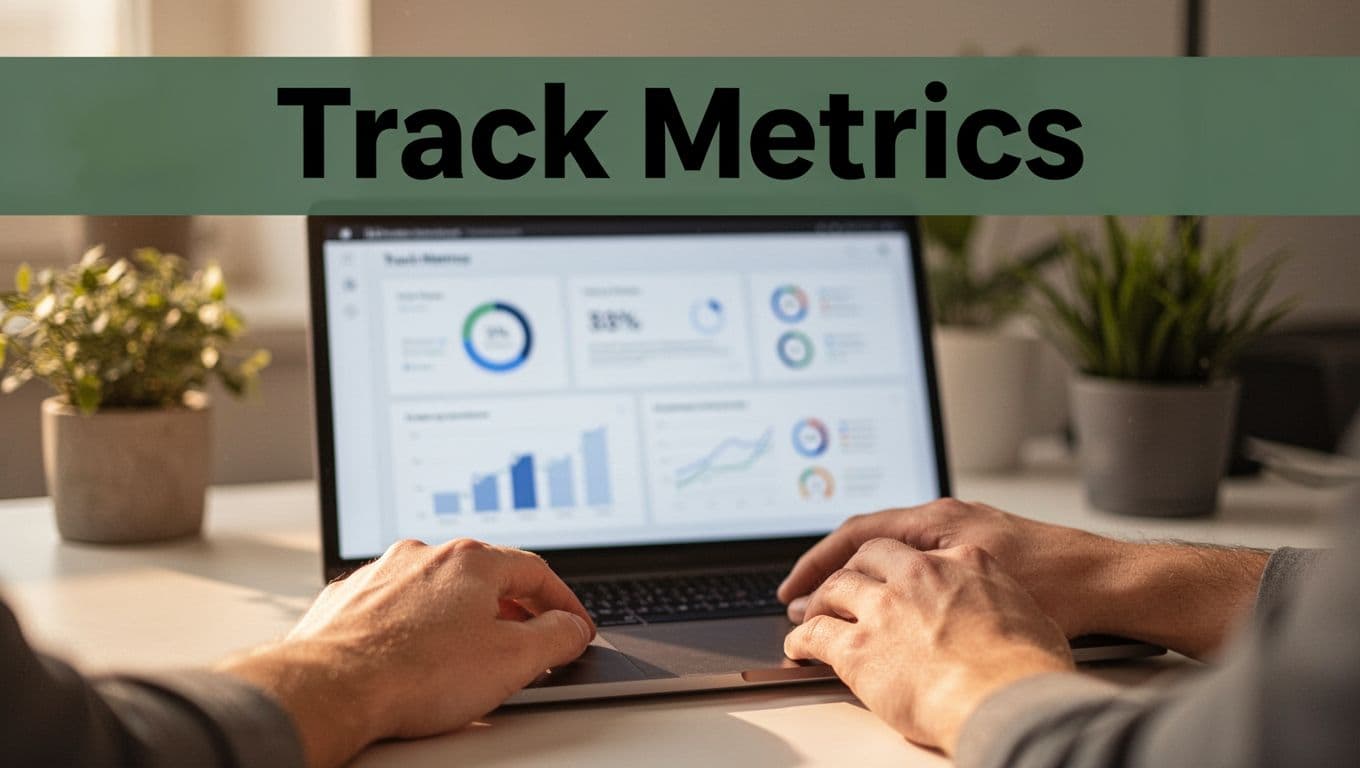
Numbers beat vague feelings. Pick three to five metrics that fit your role. Track output, productivity, goal progress, feedback score, and growth.
Sales pros count calls made. Students log study hours. Everyone benefits from focused time.
Here’s a quick overview:
| Metric | What to Track | Example |
|---|---|---|
| Output | Tasks completed | 15 emails sent, 3 meetings held |
| Productivity | Focused hours | 20 Pomodoros (25-min blocks) |
| Goal Progress | Percent to target | 75% toward monthly sales quota |
| Feedback | Self-score (1-5) | 4/5 on time management |
| Growth | Skills learned | Read one chapter on leadership |
Tie metrics to big goals, like career steps or health targets. Review them weekly.
Output and Productivity Basics
Count finished tasks. Tools like RescueTime show focused time. If you log 10 hours daily but finish little, adjust distractions.
Examples help. A writer tracks words written. This reveals true effort.
Progress and Growth Trackers
Measure goal percent complete. Score yourself weekly. Note one new skill, like better public speaking.
Keep it simple. Overload kills the habit. Focus on what moves the needle.
Top Tools and Apps to Streamline Your Reviews in 2026
Start free with phone notes or Google Keep. They handle basics quick.
Notion shines for templates. Build a review page with sections for wins and tasks. Evernote works similar for clippings.
Todoist or ClickUp manage tasks with reminders. Set weekly plans there.
RescueTime and Toggl track time automatically. See where hours go.
Day One suits journaling. Add reflections easily. For AI help, try newer options like those in 2026 performance management tools. They offer auto-summaries.
Free tiers cover most needs. Pick one or two. They cut review time in half.
Pitfalls That Derail Reviews and Easy Fixes
No metrics leads to fuzzy thinking. Fix: pick three numbers now.
Too many goals overwhelm. Limit to three to five tasks.
Skip reflection? Ask “why” for issues. Dig one level deeper.
Ignore balance? Check sleep and rest. Add fun weekly.
No follow-up? Review last plan first. Adjust as needed.
Make it dull? Reward yourself after, like a walk. Keep it fun.
Common self-review traps include vague comments. Avoid these self-evaluation mistakes for better results.
Turn Weekly Reviews Into Your Edge
You now have a blueprint, key metrics, tools, and fixes. Weekly reviews boost engagement and output in 2026 trends.
Pick one step today. Block Sunday time. Try Notion free.
Small habits create big changes. What win will you celebrate first week? Start now.